


 English
 Chinese Traditional
 Japanese
 Korean
 Russian
 German
 French
 Chinese Simplified
 Spanish
 Italian
iR2026 Internal RAID Module
5.25" Bay, Dual 2.5" SATA, Hardware RAID 0/1
iR2026 Internal RAID Module
5.25" Bay, Dual 2.5" SATA, Hardware RAID 0/1
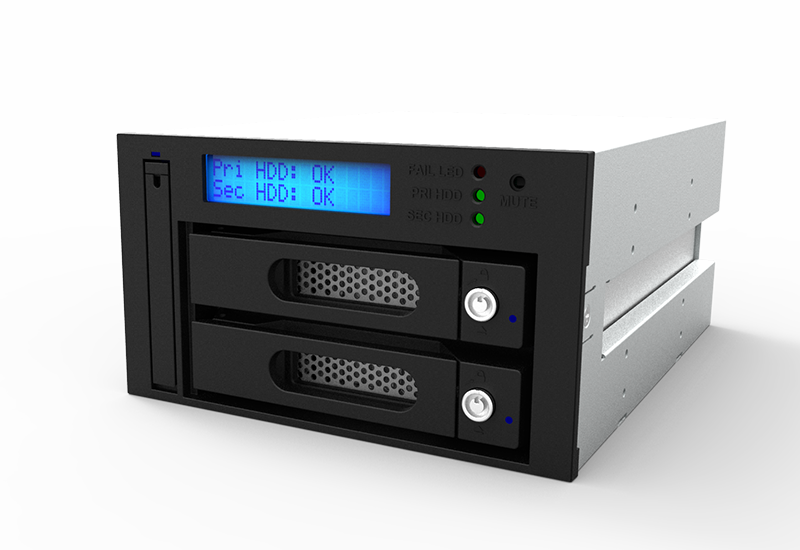
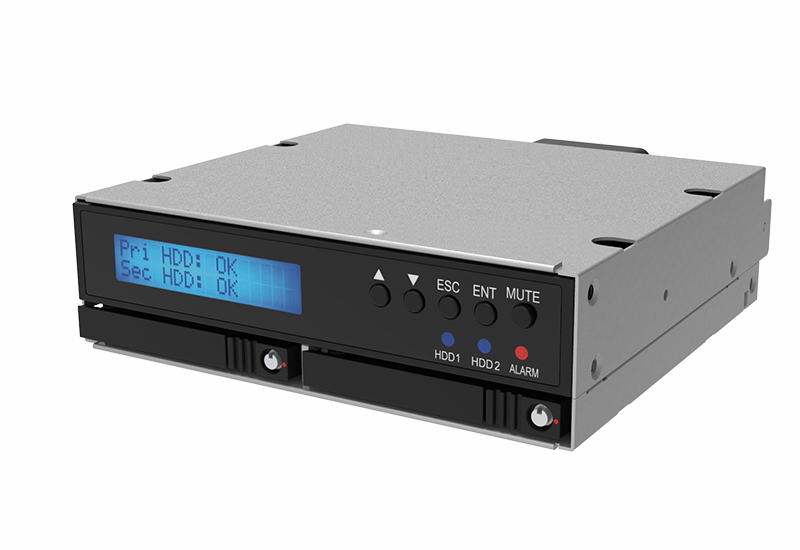
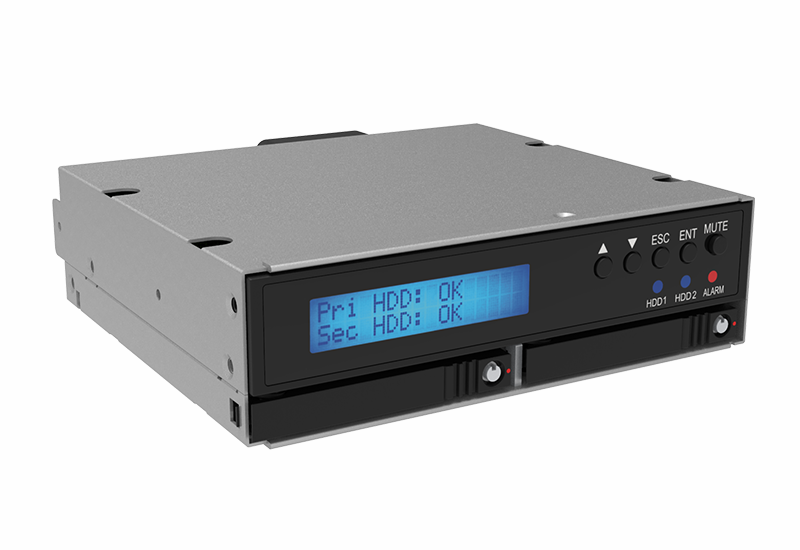
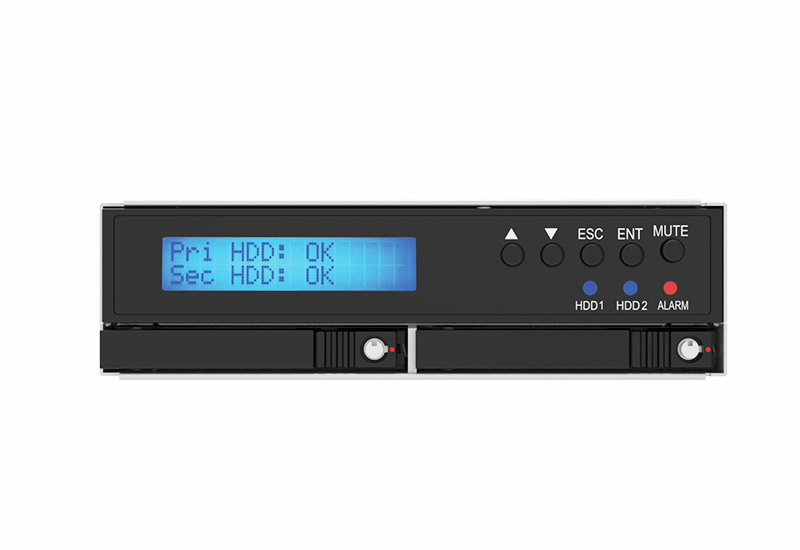
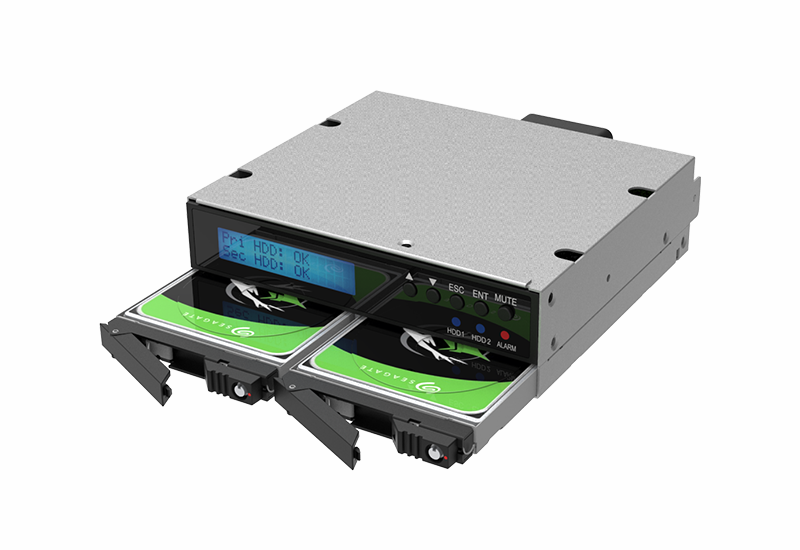
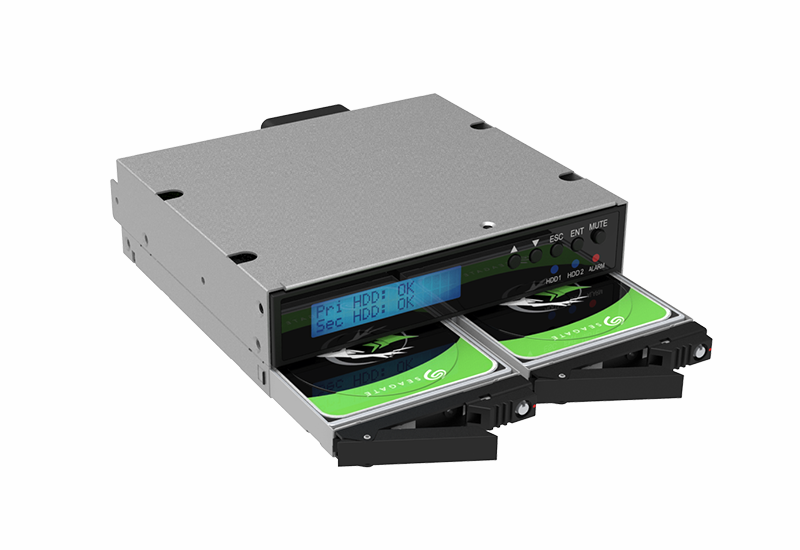
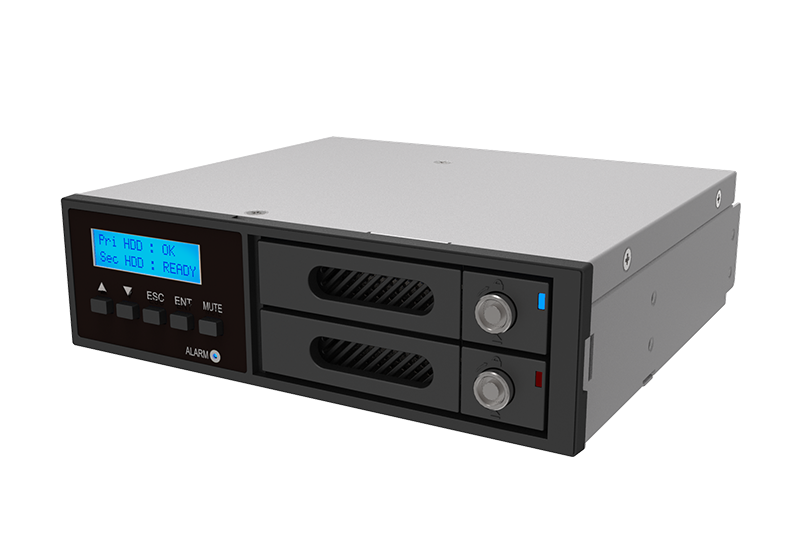
The iR2026 is an industrial-grade RAID solution built for high performance in space-constrained environments. Designed for standard 5.25-inch drive bays, it converts one bay into a dual-drive RAID array supporting two 2.5” SATA III SSDs or HDDs.
Whether you need maximum speed for data-intensive tasks or real-time data redundancy for critical system protection, the iR2026 delivers. It is optimized to sustain high throughput for SSD/HDD workloads, making it an essential upgrade for Industrial PCs (IPC), servers, and professional workstations.
Features
1. Space-Saving Design:
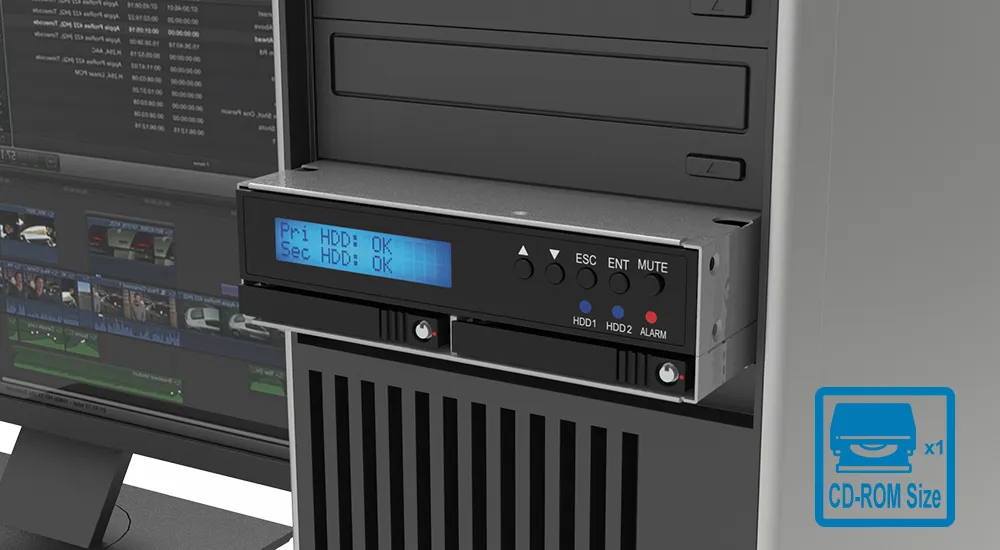
Fits two 2.5” SATA HDD/SSDs (9.5mm or 7mm height) into a single standard 5.25” drive bay.
2. Hardware RAID Performance:
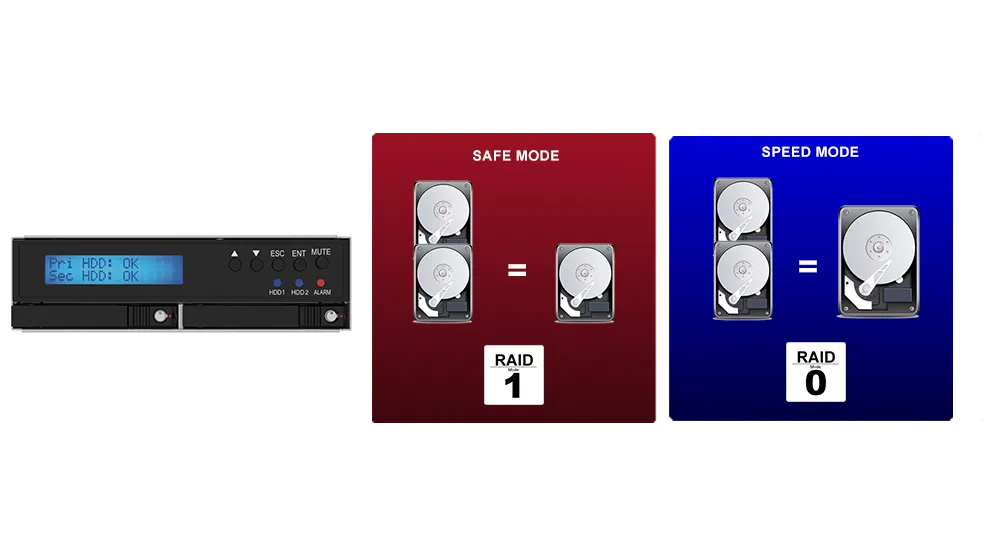
Selectable RAID 0 for high-speed striping or RAID 1 for automated mirroring and data protection.
3. Optimized Single-Port Connectivity:
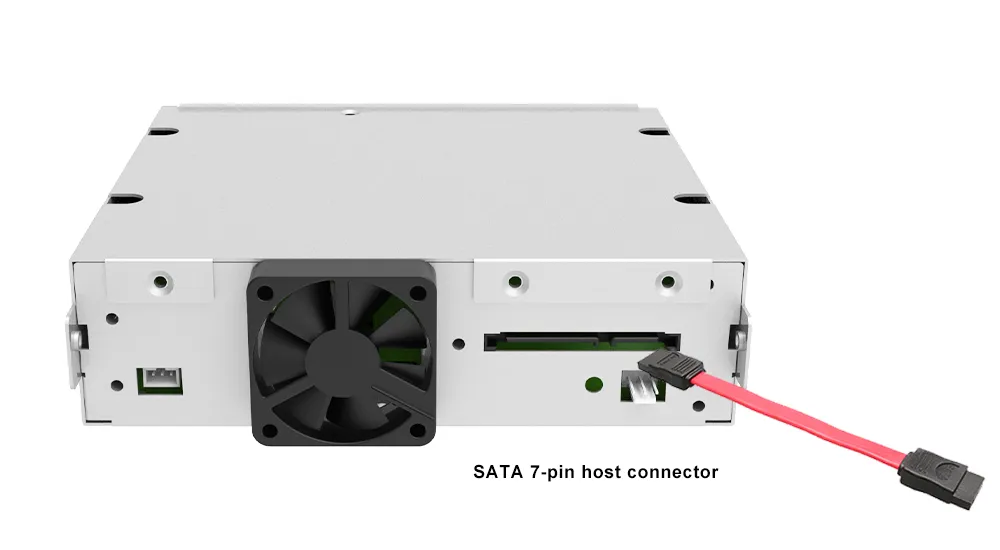
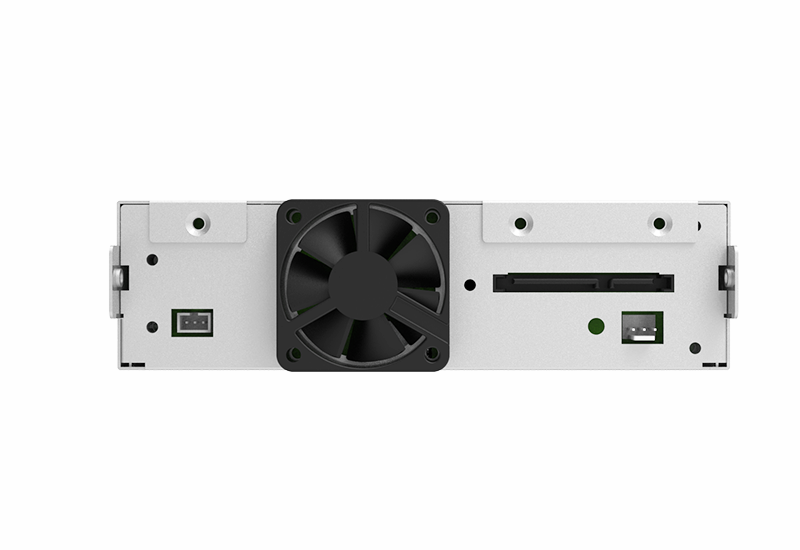
Effectively manages two drives through a single SATA 7-pin host connector. This hardware RAID design saves motherboard ports and reduces cable clutter while sustaining high throughput over a SATA III 6Gb/s host link for SSD/HDD workloads.
4. Advanced Monitoring:
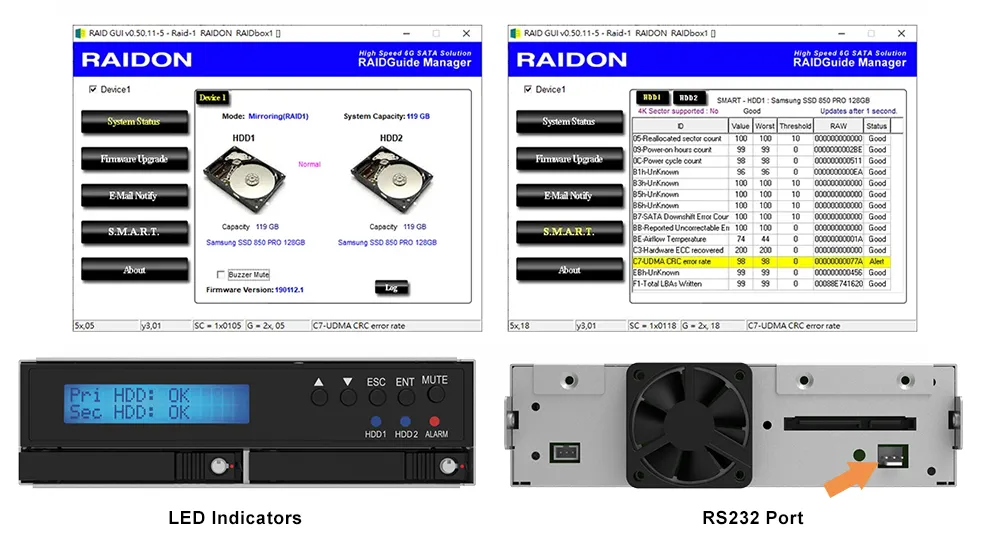
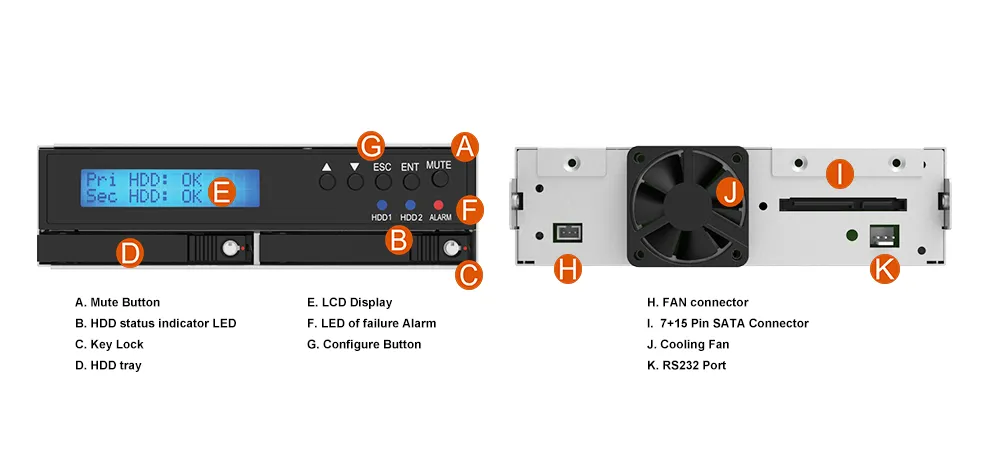
● RS232 Port: Allows custom software integration for drive status monitoring.
● STATUSGUARD GUI: Dedicated Windows software for real-time drive S.M.A.R.T. monitoring.
● LED Indicators: Visual status for drive activity and health.
5. Reliable Cooling & Durability:
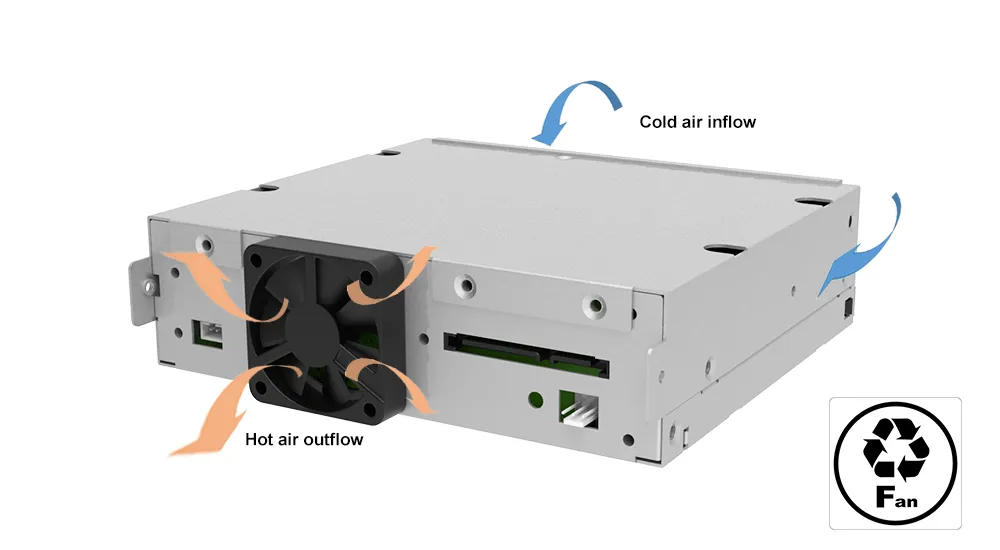
Rugged metal housing with a built-in 40mm silent cooling fan ensures optimal operating temperatures.
6. Secure & Easy Maintenance:
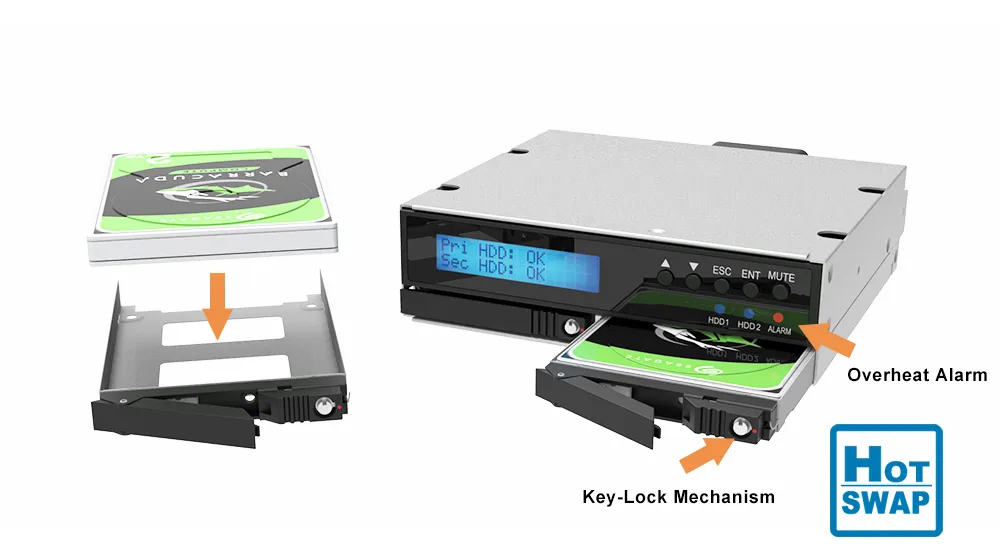
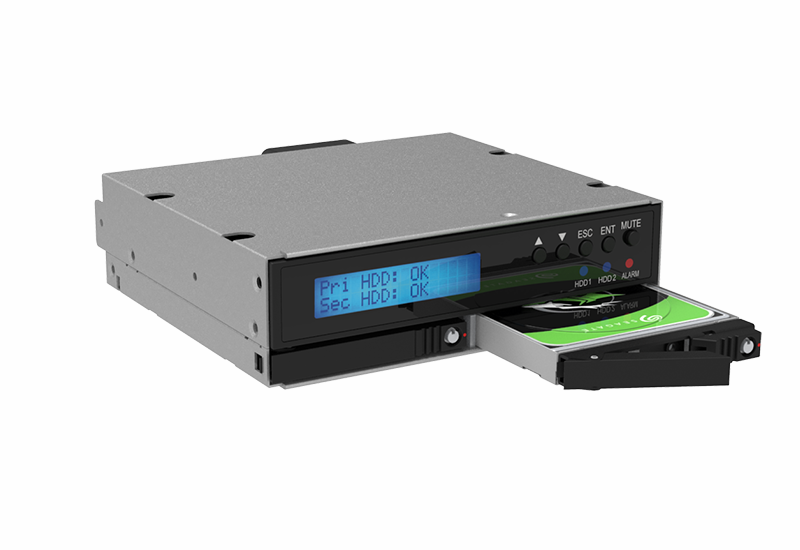
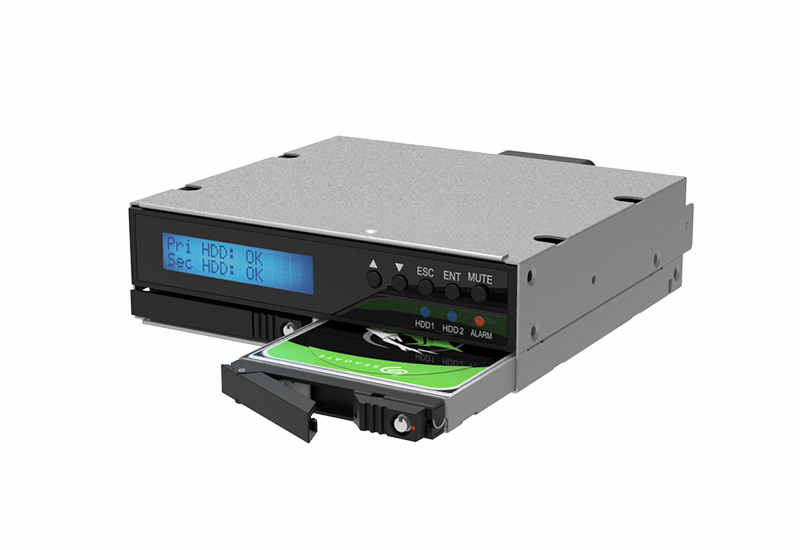
● Hot-Swappable Trays: Replace drives without powering down the system.
● Key-Lock Mechanism: Prevents unauthorized physical access to drives.
● Overheat Alarm: Audible buzzer with a mute button for immediate system warnings.
Benefits
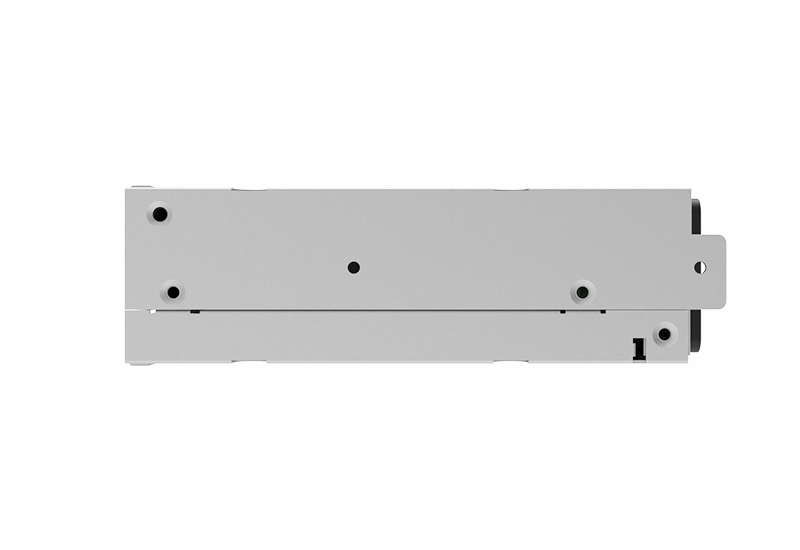
In industrial and server environments where internal space is at a premium, the iR2026 allows you to double your drive density without requiring additional mounting brackets. Its short depth (138mm) ensures compatibility with almost any chassis, including compact IPC cases.
System downtime is costly. By configuring the iR2026 in RAID 1, you create an instant real-time backup. If one drive fails, your system continues to run seamlessly, and the hot-swap capability allows you to replace the faulty drive without interruption.
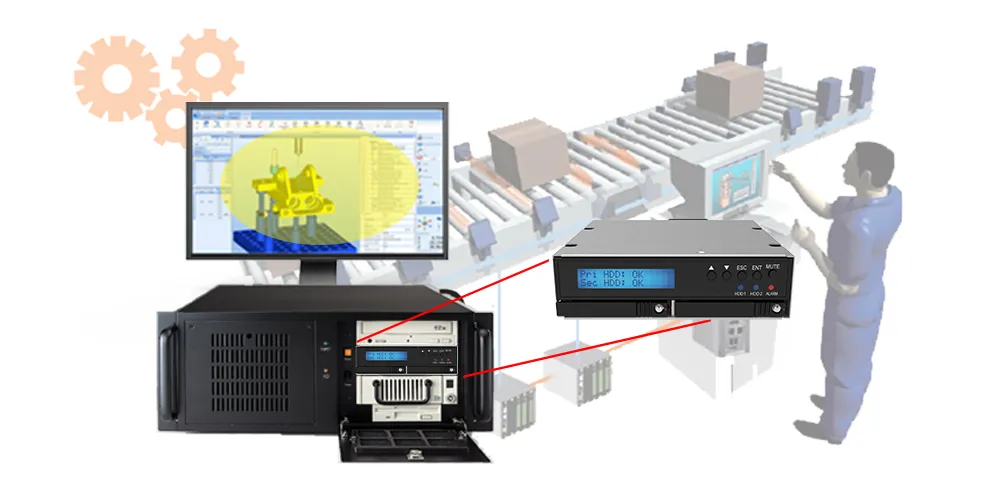
Built for 24/7 operation, the rugged metal construction and active cooling fan protect your drives from heat and physical stress. The addition of the RS232 signaling port makes it a perfect fit for automated factory systems that require remote health monitoring.
Applications
The iR2026 is versatile but excels in environments requiring durability and data safety:
● Industrial Automation (IPC): Ideal for factory floor controllers where vibration resistance and data redundancy are critical. The compact size fits easily into control cabinets.
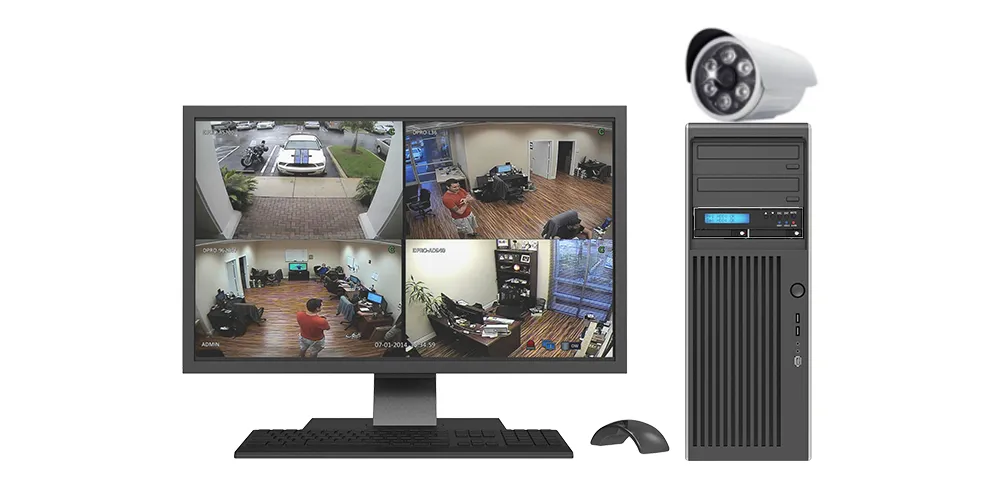
● Surveillance & DVR: Use RAID 1 to ensure that critical footage is never lost due to a single drive failure.
● SMB Servers & Workstations: A perfect boot-drive solution. Run your OS in RAID 1 to ensure the server stays online even if a boot drive crashes.
● Embedded Systems: The RS232 monitoring capability allows for seamless integration into "headless" systems where no monitor is attached.
Frequently Asked Questions (FAQ)
Q: Does the iR2026 require a specific operating system?
A: No, the iR2026 uses hardware RAID, so it is transparent to the OS. It works with Windows and Linux without requiring special drivers. Note: The optional STATUSGUARD monitoring software is for Windows only.
Q: What is the maximum drive capacity supported?
A: The iR2026 supports high-capacity 2.5” SATA SSDs/HDDs (7mm/9.5mm). For validated models and maximum supported capacities, refer to the latest compatibility list.
Q: Can I replace a drive while the computer is on?
A: Yes, the iR2026 supports Hot-Swap. If a drive fails in RAID 1 mode, you can remove it and insert a new one while the system is running, and the device will automatically begin rebuilding the array.
Q: How do I monitor the drive status if I am not using Windows?
A: For non-Windows systems (like Linux-based IPCs), you can use the RS232 port to read drive status signals, or simply rely on the front-panel LED indicators and the built-in audible alarm buzzer.
Q: What is the difference between RAID 0 and RAID 1?
A:
|
RAID Type |
Description |
Performance |
Redundancy |
Risk |
|---|---|---|---|---|
|
RAID 0 |
Striping |
High |
None |
Data loss if one fails |
|
RAID 1 |
Mirroring |
Moderate |
Yes |
Safe even if one fails |
Performance test result for reference. The test result will vary depend on the test environment.

Product View
Specification
| Model No | iR2026 |
|---|---|
| Interfaces | Host Interface (to system): 1 × SATA III 6Gb/s Drive Interface (internal): 2 × SATA III 6Gb/s |
| Compatible Drives | 2 × 2.5" SATA III (6Gb/s) HDD/SSD (Under 9.5mm height) |
| Storage Level | RAID 1 , 0 |
| System Monitoring | Fan Failure / Overheat |
| Operating System | Windows, Linux |
| Function Control Interface |
Panel RAID Mode Button Setting |
| Graphical User Interface (GUI) | Windows Only |
| Cooling System | 4 cm Low noise fan |
| Dimension & Weight | 146(W)x 42(H) x 138 (L) mm |
| Package Accessories | *iR2026 *SATA Cable *Accessory Kits *Quick installation guide |
Related Products
| iR2022 | iR2023 | IR2623-S3 |
|---|---|---|
|
|
|
|
 Download_QM Download_QM |
GUI Software for Windows |
For non-Windows systems (like Linux-based IPCs), you can use the RS232 port to read drive status signals, or simply rely on the front-panel LED indicators and the built-in audible alarm buzzer.
Yes, the iR2026 supports Hot-Swap. If a drive fails in RAID 1 mode, you can remove it and insert a new one while the system is running, and the device will automatically begin rebuilding the array.
The iR2026 supports high-capacity 2.5” SATA SSDs/HDDs (7mm/9.5mm). For validated models and maximum supported capacities, refer to the latest compatibility list.
No, the iR2026 uses hardware RAID, so it is transparent to the OS. It works with Windows and Linux without requiring special drivers. Note: The optional STATUSGUARD monitoring software is for Windows only.
When power on RAIDbox, it will check the disk status at port 0 first. If the disk at port 0 is damaged when power on, the RAIDbox may retry again and again to get the disk status at port 0, then might cause the system boot failed or cannot recognize the RAIDbox. Please pay attention to the following operations if one disk damaged under RAID 1.
1. If one disk is damaged during operation, and the RAIDbox is still power on, please replace the damaged disk by hot-swap to start rebuild. Please DO NOT turn off the power during rebuild. After rebuild finished, you can turn on / off RAIDbox normally.
2. If the disk at port 0 is damaged and the RAIDbox has been powered off (the system has been shut down), please remove the damaged disk and move the disk at port 1 to Port 0 before turning it on again. Hot-swap in a new disk to port 1 to start rebuild after turn RAIDbox on.
3. The port 0 slot for each RAIDbox might be different. Please contact the customer service (supporting@raidontek.com) if need to check.
These operations applies to these RAIDbox models: iR2770, iR2771, iR2774, iR2775, iR2777, iR2970, iR2975, iR2022, iR2023, iR2024, iR2025, iR2300, iR2301, iR2302, iR2320, iR2321, iR2822, iR2823, iR2824
1. Begin by backing up the data from the functioning legacy device using a third-party application (e.g., Ghost).
2. Turn off the system, then replace the legacy device with the iR2026.
3. Install the two new hard drives into the iR2025 and power on the system.
4. Once the system has booted, proceed to restore the backed-up data onto the iR2026.
*NOTE: If the legacy device is undergoing a data rebuild, wait for this process to complete before starting these procedures.


RaidonTek.com (raidon.com.tw) uses cookies to improve site functionality and your overall experience by storing necessary information for service delivery. By continuing, you consent to our use of cookies as detailed in our Privacy Policy, which provides more information about this usage. (Accept cookies to continue browsing the website)
.png)